Create keychains with offset borders for resin casting
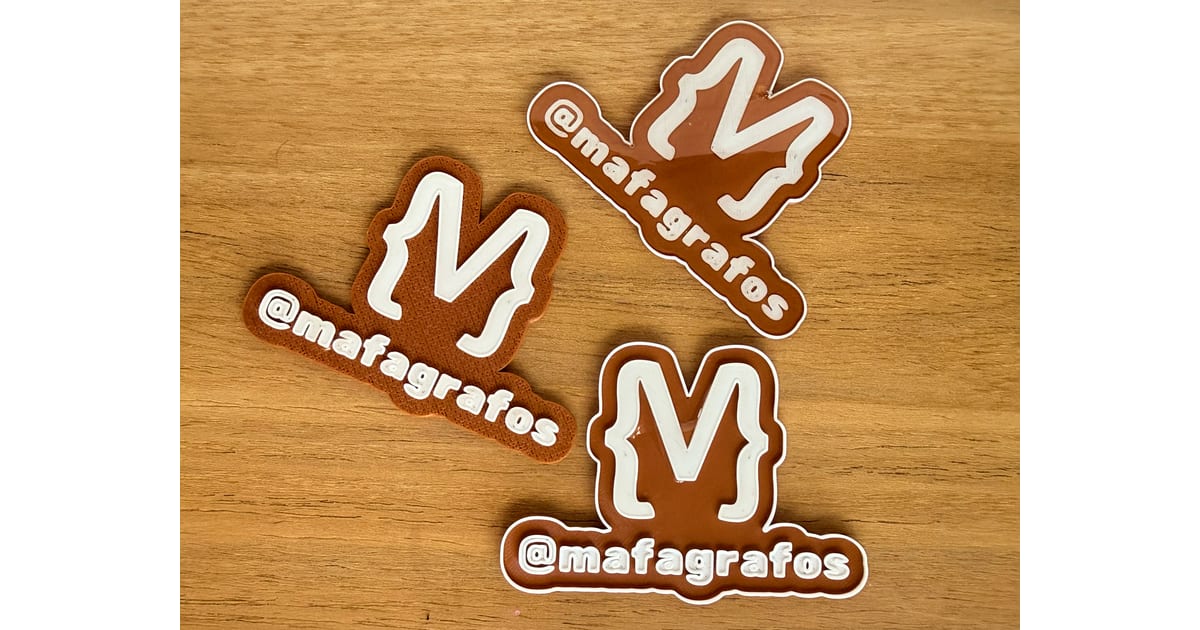
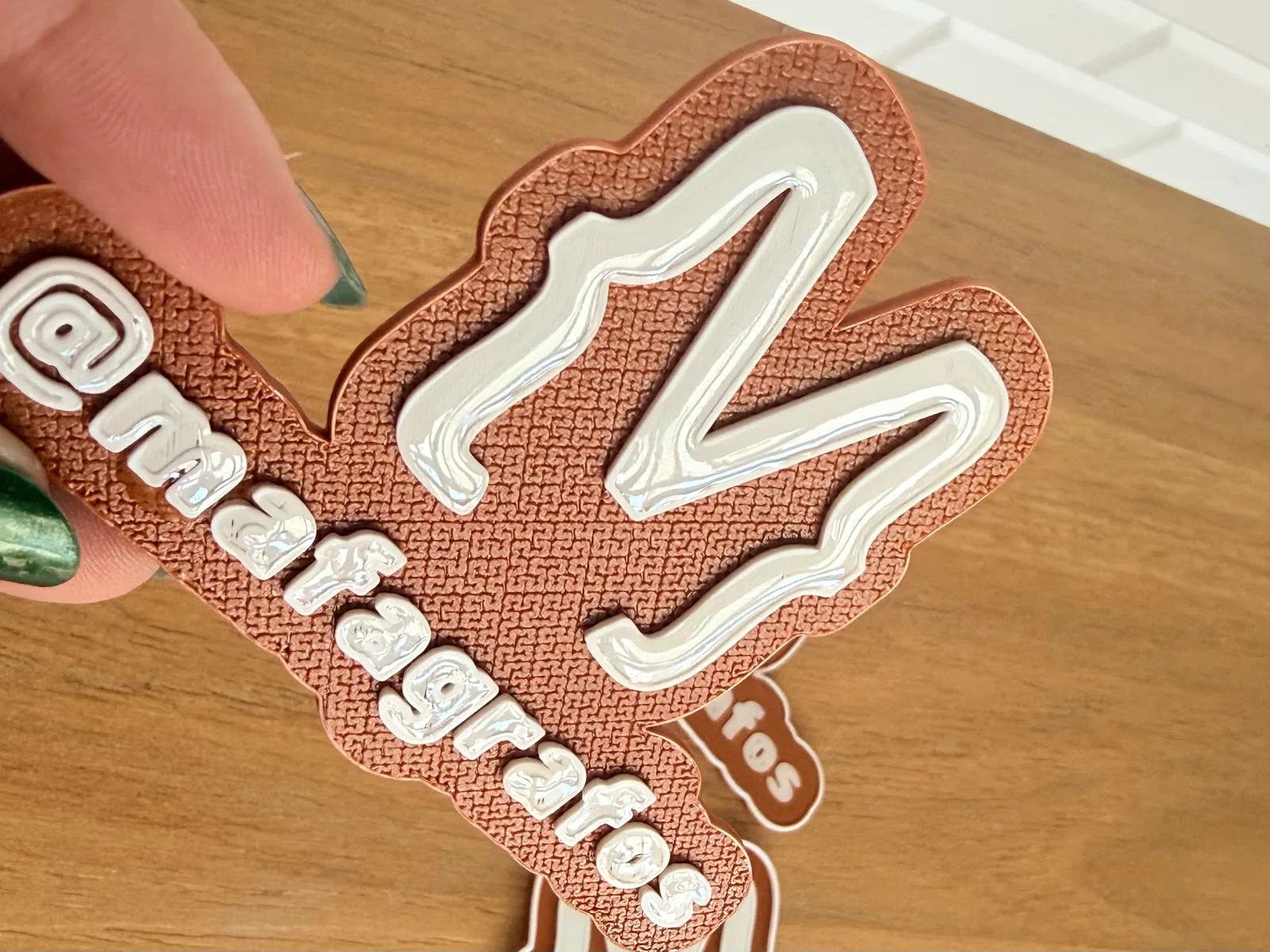
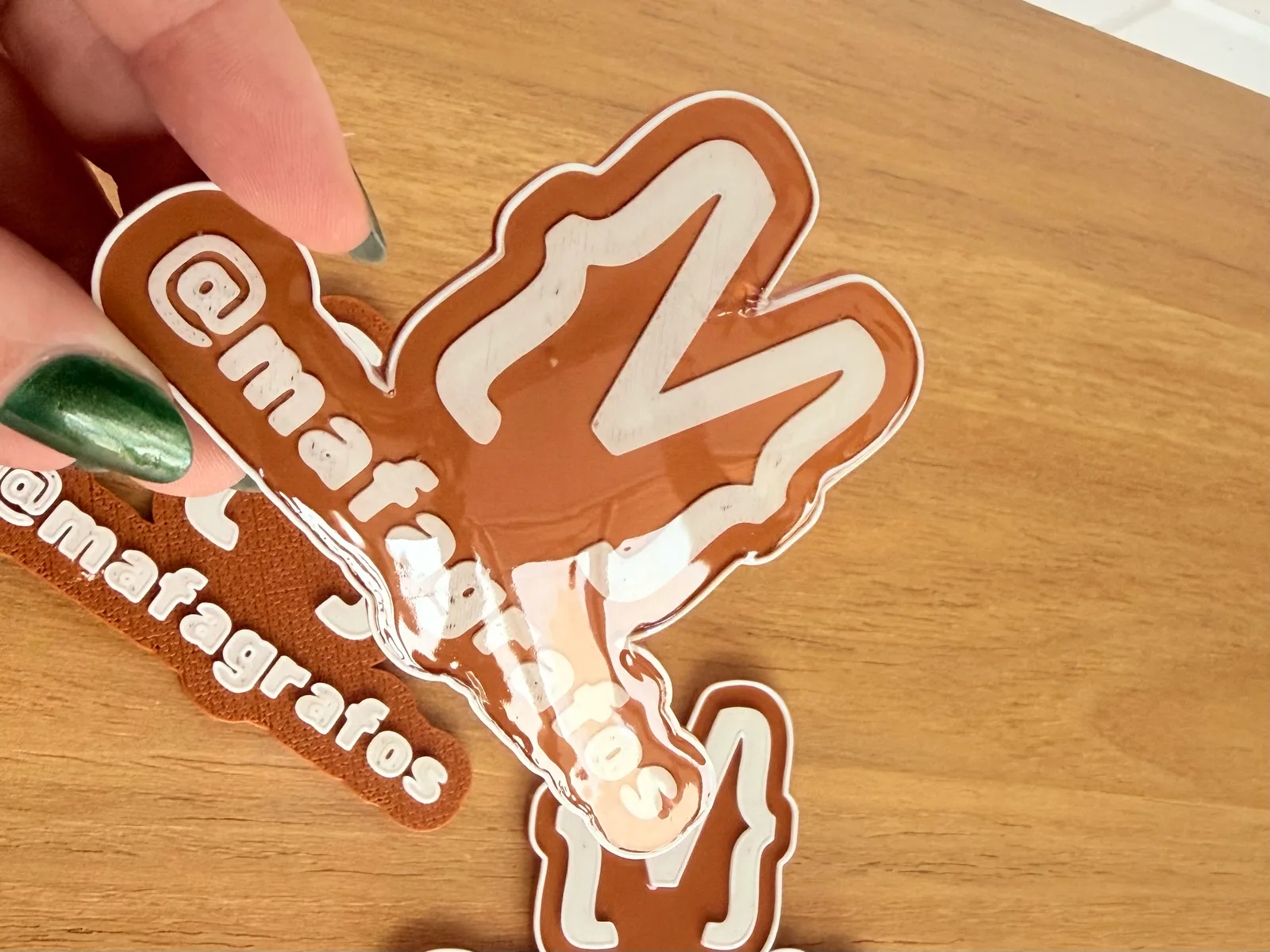
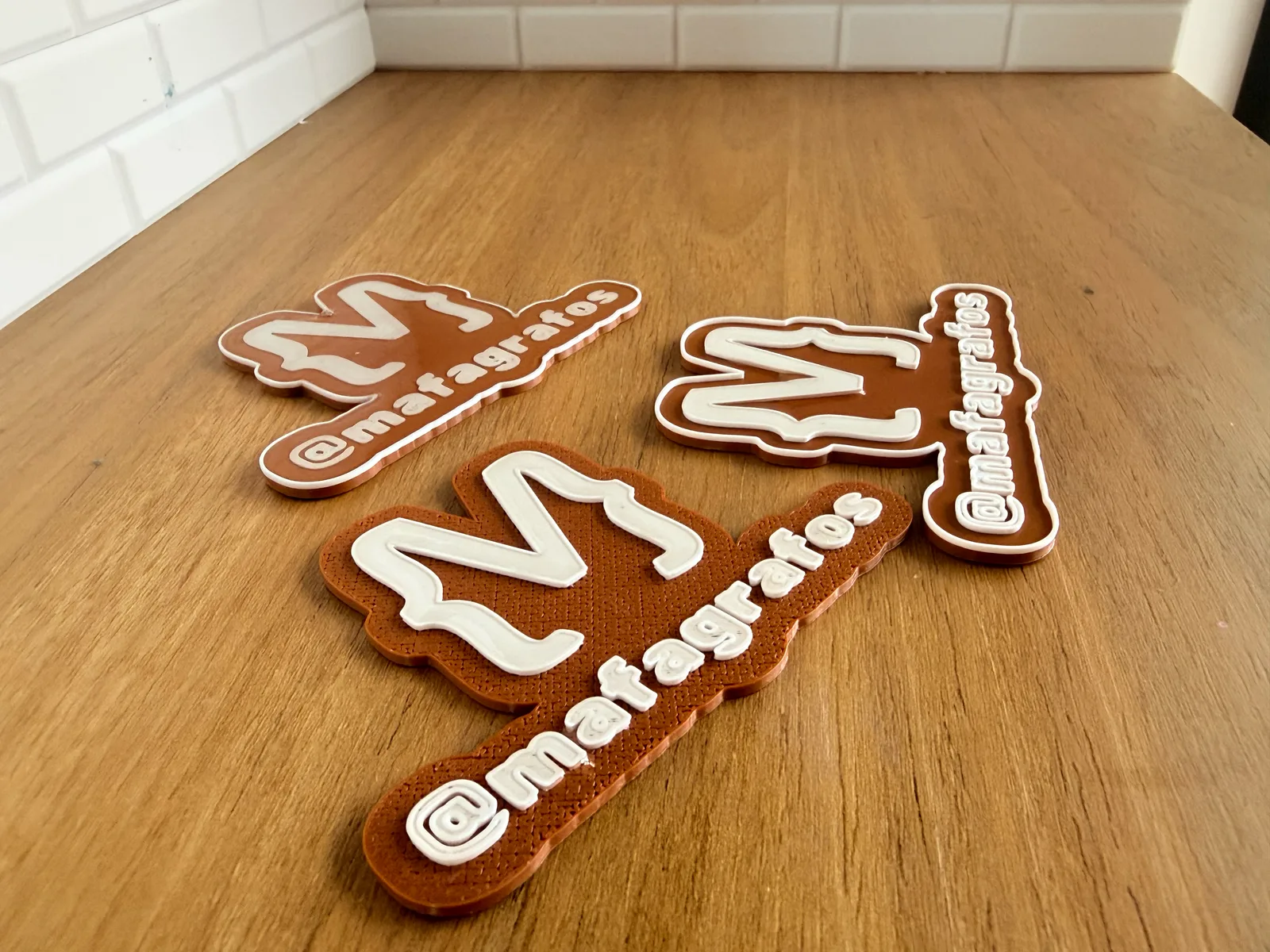
Transform images into a 3D object with an offset border and option to make a high border for resin casting. This versatile tool is perfect for creating keychains and decorative pieces that can be enhanced with epoxy resin. You can add borders to the outer object, only to the SVG design, or both, giving you complete control over your resin casting project. Make two objects at the same time to maximize your printing efficiency.
Dual Border Options: Add borders to the outside of the keychain, inside the logo only, or both for different resin effects
Perfect for Resin Casting: High border option creates ideal depth for epoxy or resin filling
Dual Image Support: Create two different designs in a single print job
Customizable Offset: Adjust the image offset to eliminate gaps and ensure perfect rendering
Optional Ring Hanger: Add a keychain ring attachment for functional keychains
Adjustable Border Height: Control the depth of borders for different resin volumes
Recommended Settings:
Nozzle: 0.4mm
Layer Height: 0.2mm
Supports: Not required
Tags: keychain, resin-casting, epoxy, offset-border, dual-print, customizable