Test borders to find your botton machine's tolerance
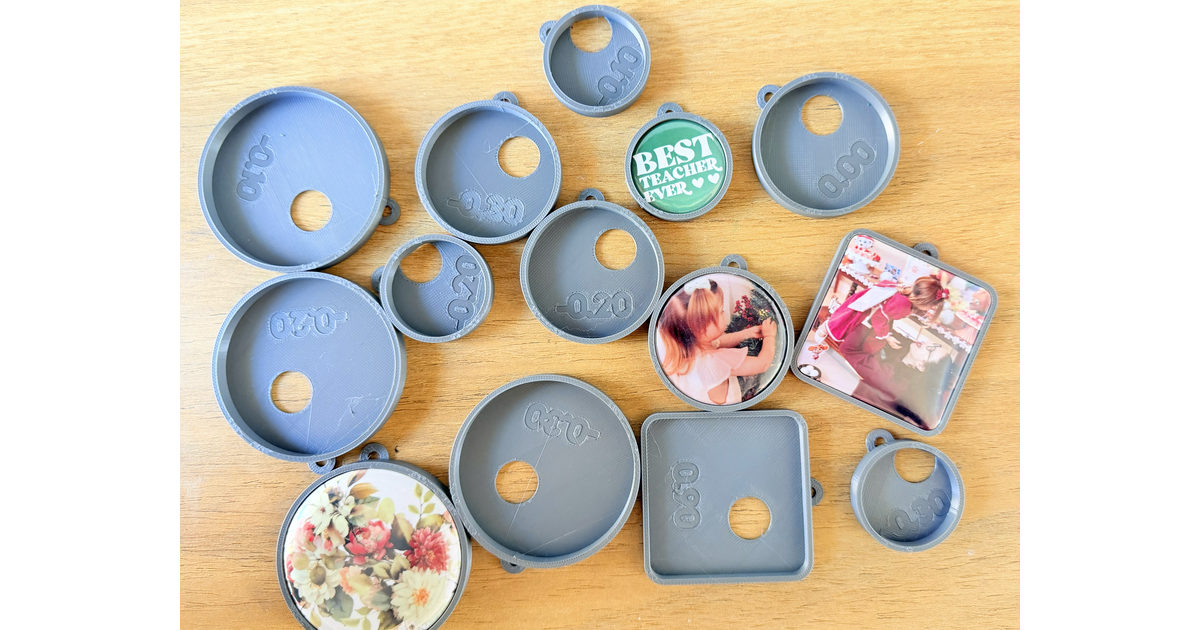
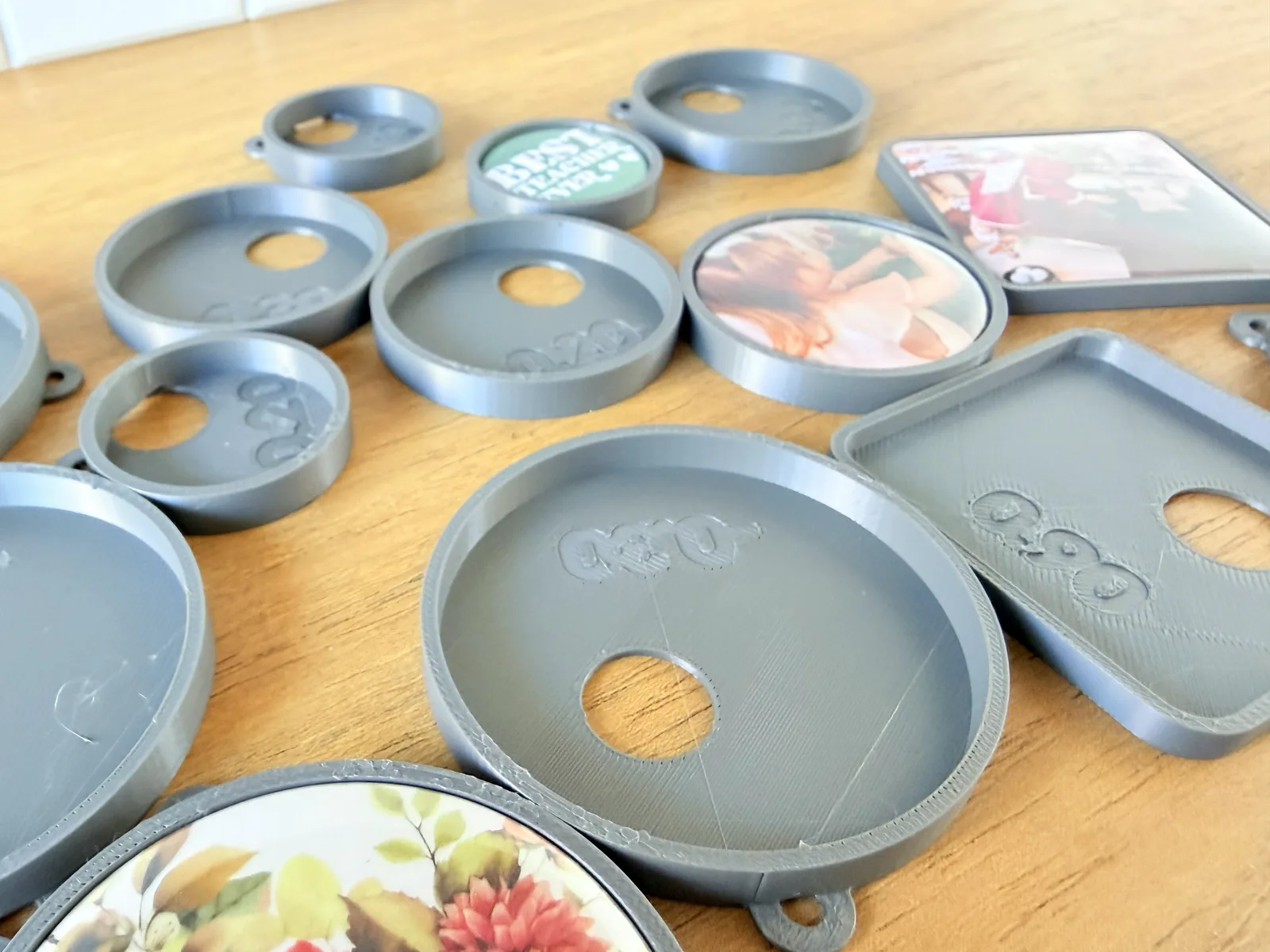
Every botton machine presses a slightly different badge, so before printing a botton keychain or magnet you need the numbers for yours. This model prints a row of test borders, each hole a step bigger than the last, with its tolerance engraved on both faces — press your badge into each one and the piece that holds it without forcing is your size.
Three values to find: Tolerance (how much to add to the nominal size so the printed hole fits), hole height (how deep the badge sits, so it stands proud of the border by the amount you like), and corner radius (square badges only).
Nominal size input: Enter the size the botton is sold as, not the size you measure.
Two-pass method: Run a first sweep starting at 0 tolerance to see which way it needs to go, bigger or smaller, then narrow it with a short range in small steps until one piece fits exactly.
Engraved on both faces: The tolerance value is sunk into the pocket floor and into the bottom, so it stays readable even with a badge sitting in the pocket. Each piece has a hanging hoop, so the set can be threaded on a keyring.
Reference values (Dataprint, China machine):
32 mm circle: −0.1 mm | Hole height: 3.4 mm
44 mm circle: −0.2 mm | Hole height: 4.4 mm
58 mm circle: −0.3 mm | Hole height: 5.2 mm
50 mm square: +0.8 mm | Hole height: 3.4 mm
A negative tolerance means the hole is drawn smaller than the badge, because a printed hole comes out a little wide; the square goes the other way and has to be opened up. Use these as a starting point, not an answer — a different machine will land somewhere else.
Recommended Settings:
Nozzle: 0.4mm
Layer Height: 0.2mm
Supports: Not required
Tags: calibration, tolerance-test, botton, pin-badge, sizing-guide, keychain, fridge-magnet, beginner-friendly