One-piece border keychain for any botton size
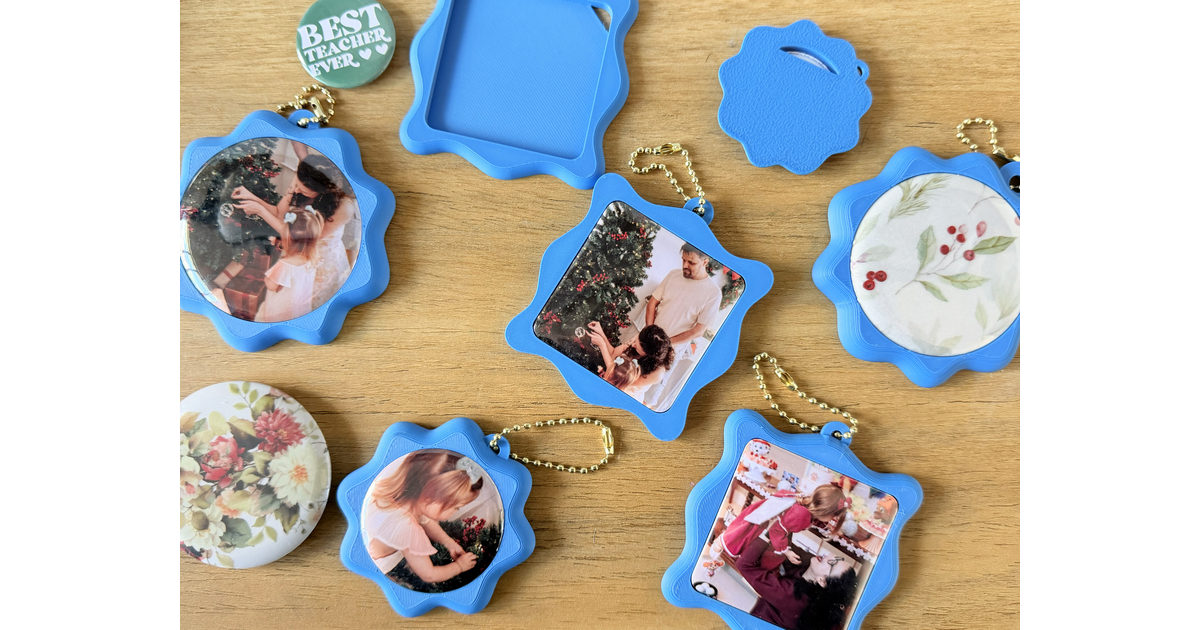
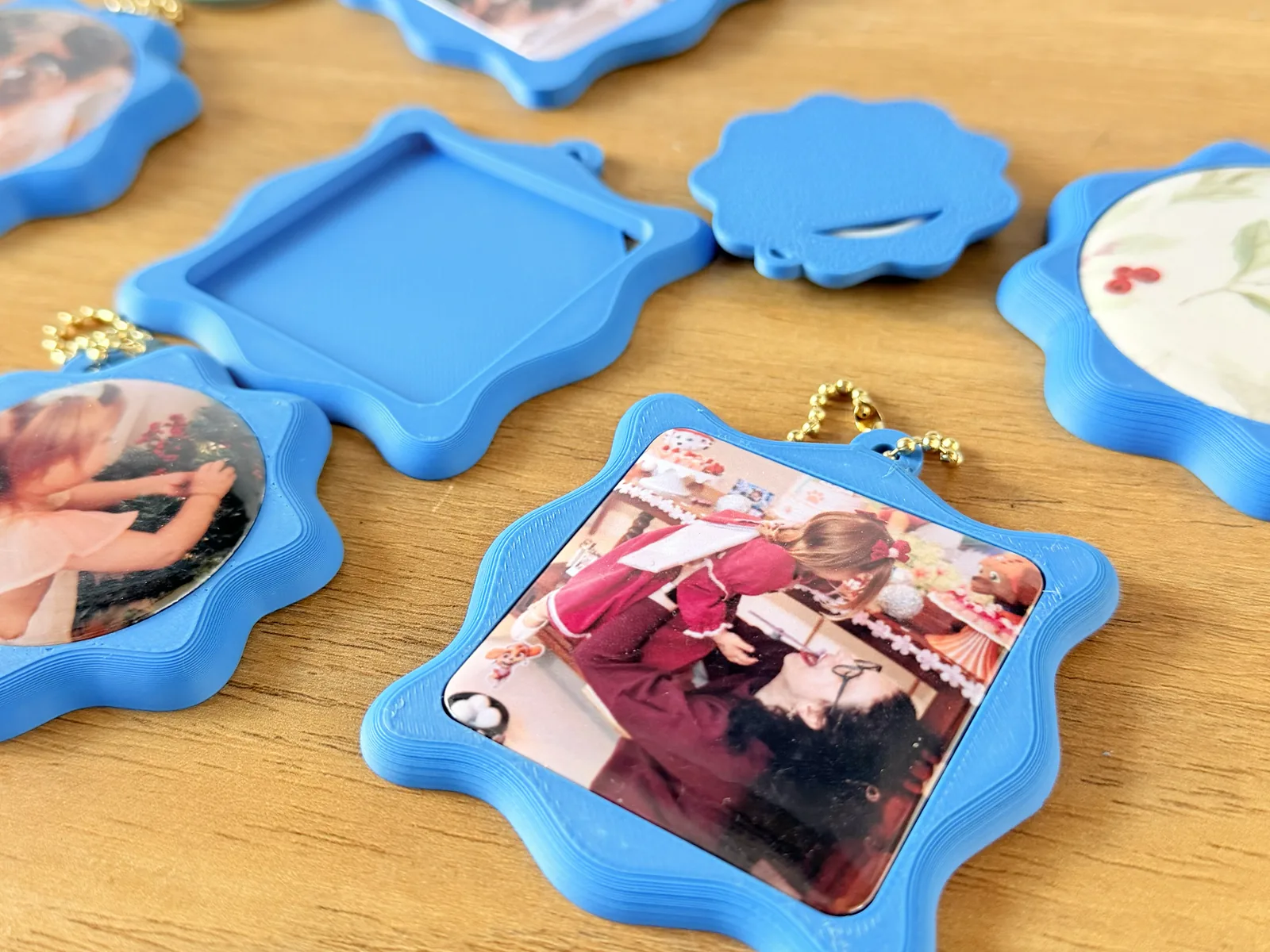
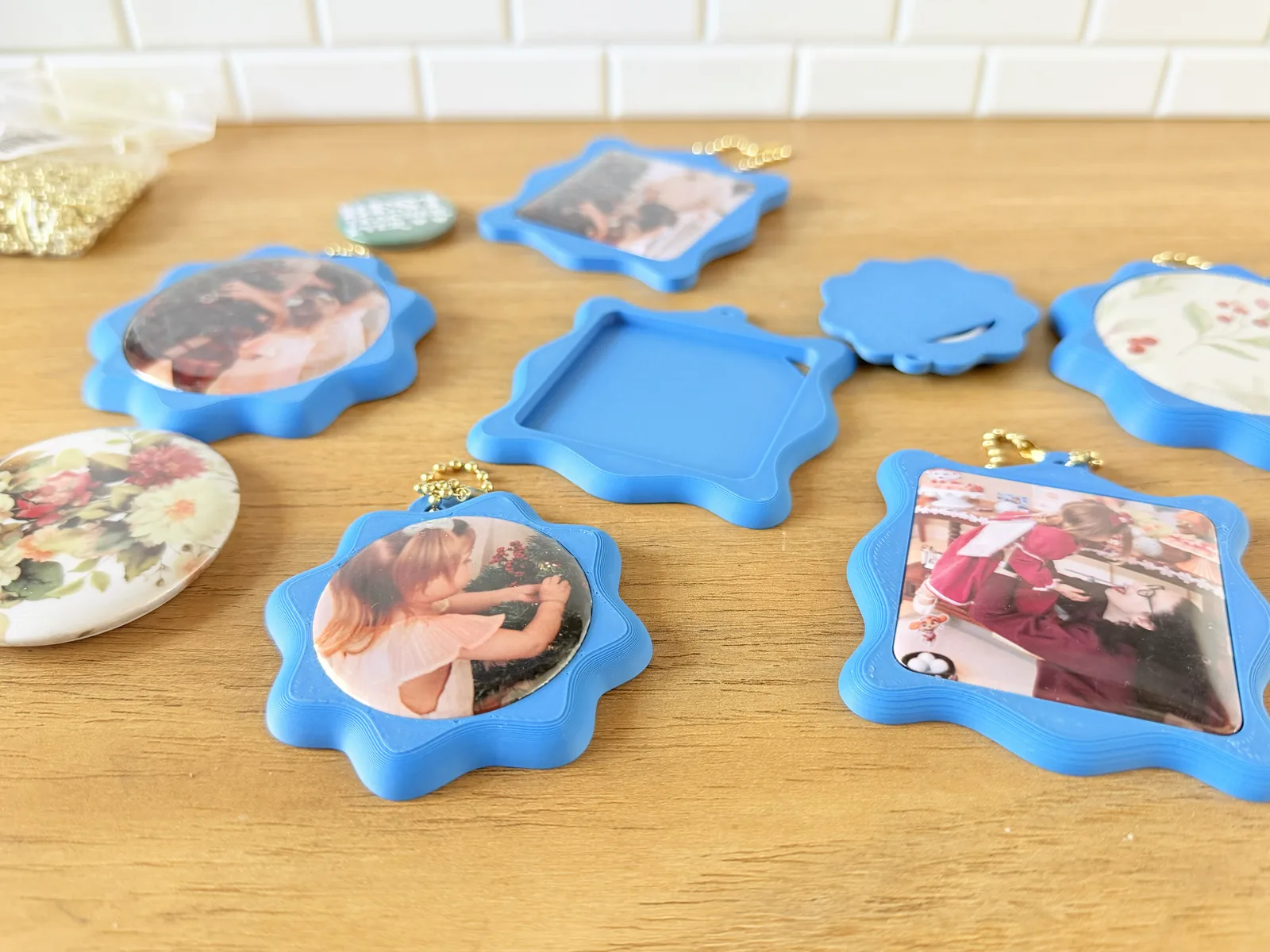
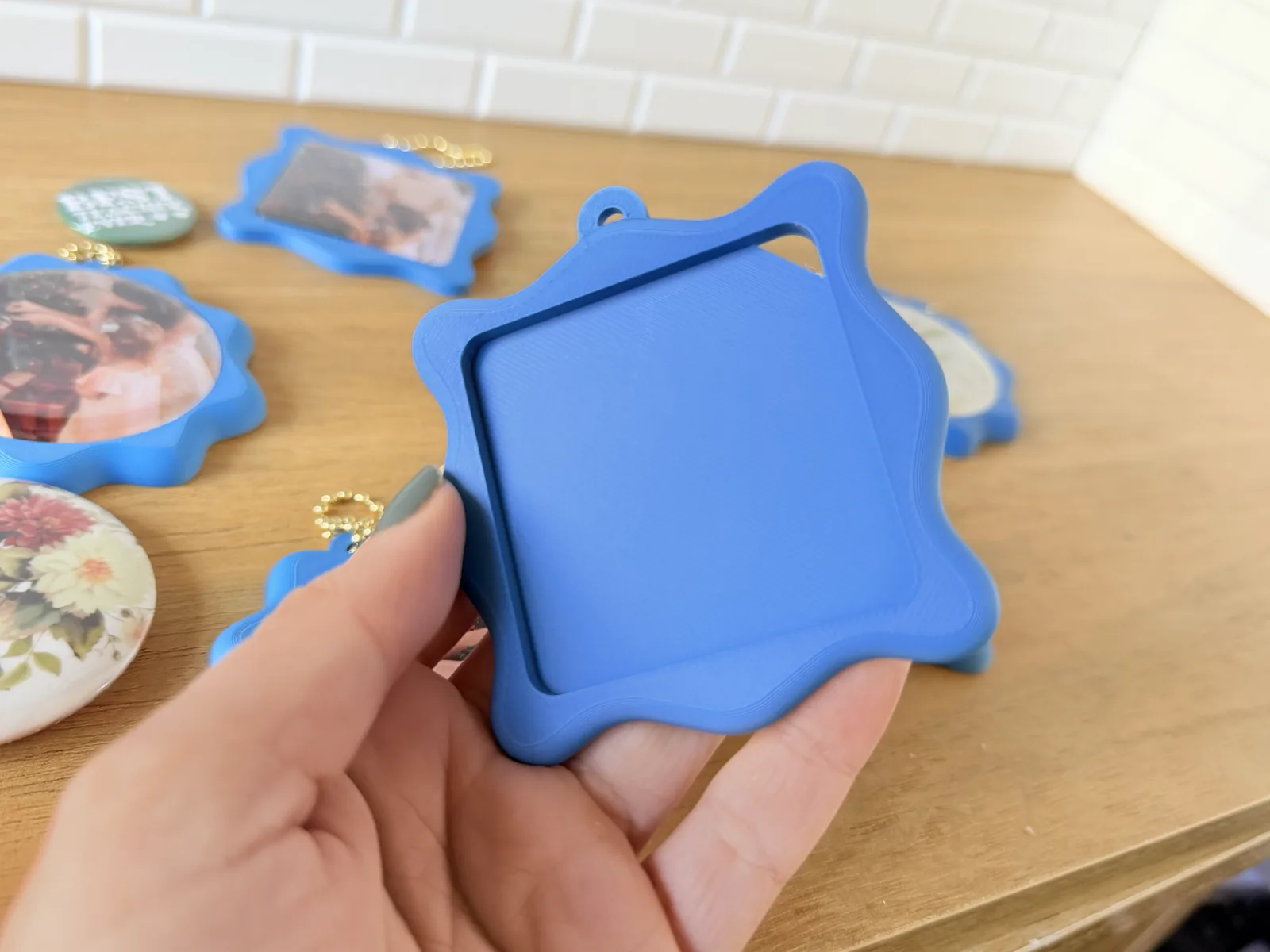
A border for bottons and pins of any size, square or circle: the badge drops into a pocket in the middle, the border frames it, and a ring at the top takes a keyring. One colour, one piece, printed face up, nothing to glue.
Pick the design you like in the editor, set the size of your botton, and print. To get a perfect fit, print the Botton Size Test model first: it sweeps a row of borders a step apart, so you can find the tolerance and the hole height your own botton press needs. Every machine presses a slightly different badge, so it is worth doing once before printing a border you want to keep.
Swappable badge: The botton sits in the pocket without glue, and a notch cut through the base lets you push it back out when you want to change it.
Any botton size: Circle or square, set by the design you choose in the editor and the pocket depth you enter.
Seven settings: The design file, Botton Hole Height (pocket depth), keyring loop thickness, rounded edges and their Offset, showing the botton in the preview, and the push-out notch.
Rounded edges: The outline grows by the Offset before it is rounded, so the piece ends up at the size it was drawn.
Reference values (Dataprint, China machine):
32 mm circle: −0.1 mm | Hole height: 3.4 mm
44 mm circle: −0.2 mm | Hole height: 4.4 mm
58 mm circle: −0.3 mm | Hole height: 5.2 mm
50 mm square: +0.8 mm | Hole height: 3.4 mm
A negative tolerance means the hole is drawn smaller than the badge, because a printed hole comes out a little wide; the square goes the other way and has to be opened up. Use these as a starting point, not an answer — a different machine will land somewhere else.
0.16mm High Quality profile
Tags: keychain, botton, pin-badge, badge-holder, swappable, single-color, no-glue, easy-print